Business Email Compromise (BEC): What It Is, How It Happens, and How to Prevent Costly Losses
- Jonathan Sansone
- Jan 7
- 7 min read
If you run a small business (roughly 10–50 users) in Hampton Roads/Virginia Beach, wrapping your head around "Business Email Compromise" can be a daunting task, especially if you aren't tech savvy. You use email every day to pay vendors, run payroll, close real estate deals, and coordinate with clients—so it's fair to wonder, "Are we at risk?" The short answer is yes: BEC is one of the most costly and common threats to small organizations in our region, and it often slips past antivirus tools because it targets people, not just technology.
Let's break down—in plain English—what BEC is, how these scams actually play out in businesses like yours, and practical steps you can take today to reduce risk with confidence.
What Is Business Email Compromise (BEC)?
Business Email Compromise is essentially a sophisticated con game played through email. Unlike traditional cyberattacks that rely on malicious software or hacking into your systems, BEC attacks focus on manipulating people through carefully crafted social engineering tactics.
Think of it this way: instead of trying to break down your digital front door, cybercriminals are essentially putting on a convincing disguise and walking right through it by pretending to be someone you trust. They might impersonate your CEO asking for an urgent wire transfer, a trusted vendor requesting updated payment information, or even your company attorney demanding confidential files.
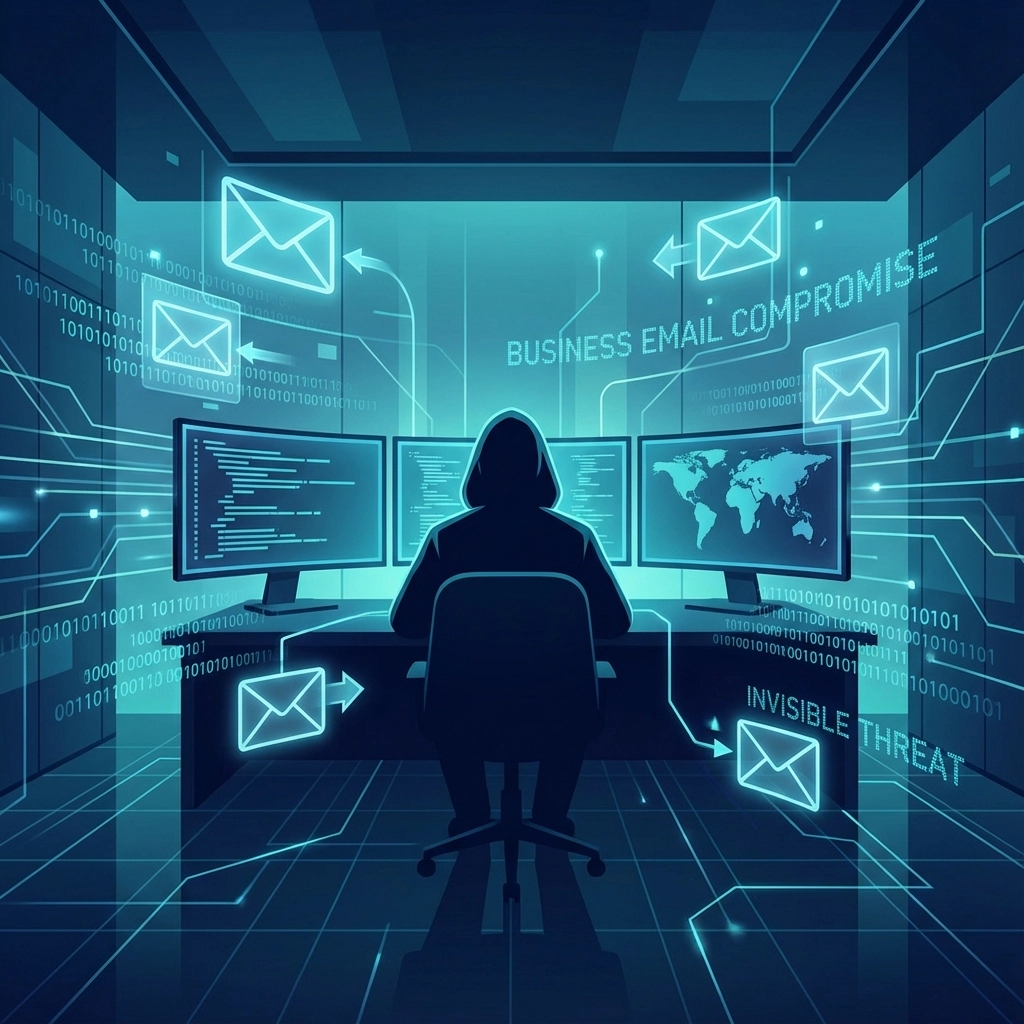
What makes BEC attacks particularly dangerous is their simplicity and effectiveness. These criminals don't need sophisticated hacking skills, they just need to be good at research and persuasion. They'll spend weeks or even months studying your business, learning about your employees, vendors, and business processes before making their move.
How BEC Attacks Happen: The Criminal Playbook
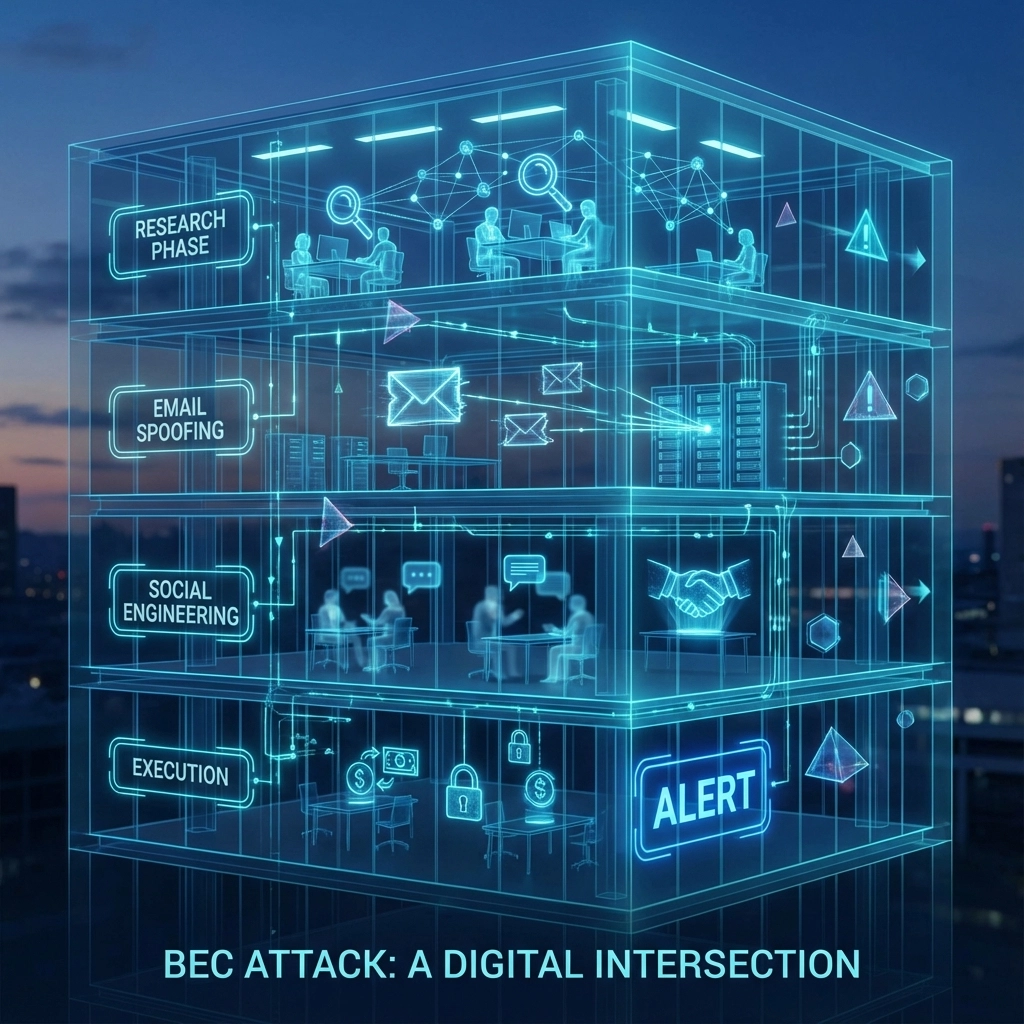
Understanding how these attacks unfold can help you recognize the warning signs. Most BEC attacks follow a predictable pattern that plays out over several stages.
Stage 1: Research and Reconnaissance
Criminals start by gathering intelligence about your organization. They'll scour your company website, social media profiles, LinkedIn pages, and even public records to learn about:
Key employees and their roles
Your vendors and business partners
Your company's communication style and terminology
Recent business developments or changes
Employee travel schedules and out-of-office periods
Stage 2: Email Access or Spoofing
Next, attackers will either gain unauthorized access to a legitimate email account through phishing attacks, or they'll create convincing fake email addresses. For example, they might register a domain like "vabeachtech.co" (notice the ".co" instead of ".com") to impersonate your business communications.
Stage 3: Social Engineering and Timing
This is where the psychology comes in. Criminals craft urgent, authoritative emails that create pressure for immediate action. They often time their attacks for Friday afternoons, holidays, or when they know key decision-makers are out of the office, times when normal verification procedures might be bypassed in the rush to handle "urgent" requests.
Stage 4: The Hook
The attacker makes their request, whether it's wire transfers, sensitive information, or login credentials. These requests are carefully crafted to seem legitimate and urgent, often referencing real projects, vendor relationships, or business situations they discovered during their research phase.
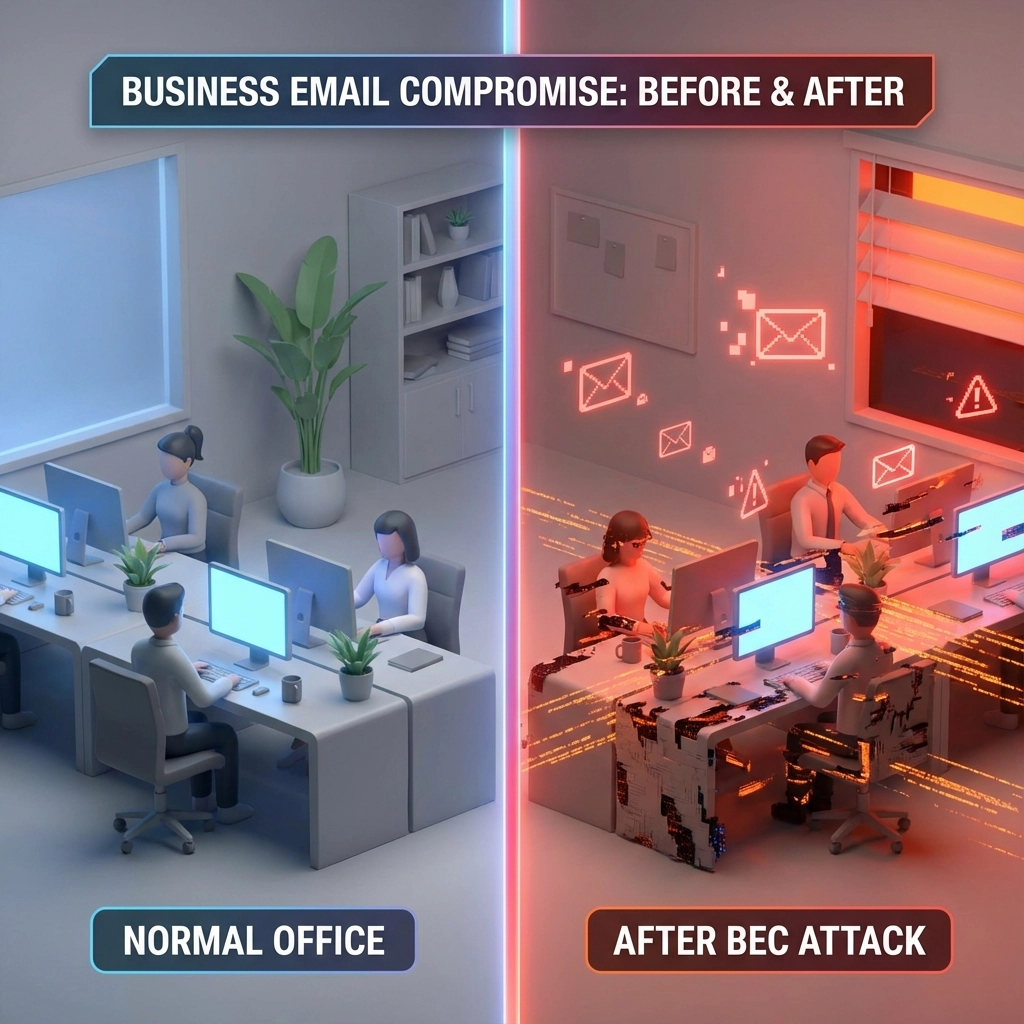
Common Types of BEC Attacks You Need to Know About
CEO/CFO Impersonation (Executive Fraud)
Attackers pretend to be your CEO, owner, or CFO and request something "urgent" that bypasses normal checks. You might see: "I'm tied up in meetings—please wire $48,200 today to secure the deal. I'll explain later." These often hit on Friday afternoons or when leaders are traveling (based on LinkedIn or out-of-office messages).
Vendor Invoice and Payment Fraud (aka Vendor Invoice Fraud)
Criminals insert themselves into an existing vendor thread or spoof a lookalike domain (e.g., swapping .com for .co) to quietly change bank details on a real invoice. This is especially common with contractors, property managers, title/real estate firms, and nonprofits that pay partners by ACH. One letter changed in an email address can reroute an entire payment.
Payroll Diversion Scams
A "staff member" emails HR or the office manager to update their direct deposit. The bank account is the attacker’s. Your payroll goes out, the employee never gets paid, and you pay twice to fix it.
Gift Card Scams Targeting Admins and Office Managers
Impersonating an executive, the attacker asks an assistant to "grab a few gift cards for a client event—send me the codes now, I’ll reimburse later." Because it feels low-dollar and time-sensitive, it often slips past verification.
Account Compromise and Takeover
If the attacker phishes a real mailbox, they quietly create forwarding rules, watch your conversations, and strike at the perfect moment. Because emails come from a legitimate account, these scams are harder to spot without monitoring.
Related variants you should still be aware of:
Attorney impersonation to request sensitive documents or urgent payments
HR data theft to collect W-2s or personal info for identity fraud
Quick reference: how to verify before you pay
Scenario | What it looks like | Quick verification (callback) |
Changed vendor banking details | "Use our new ACH info starting today" | Call a known contact at a known number on file (never the number in the email) |
Urgent wire from an exec | "Need this wired in the next hour" | Call/text the exec using your internal directory; require a second approver |
Payroll change | "Please change my direct deposit before Friday" | Use HR portal or in-person verification; 2-person approval |
Gift card request | "Buy $1,000 in cards and send codes now" | Company policy: no gift cards via email; verify by phone |
The Real-World Consequences: It's Not Just About Money
For small businesses in Hampton Roads, even a "smaller" BEC hit can hurt—$10k–$100k can mean missed payroll or delaying projects. Larger cases regularly reach millions, but the day-to-day impact on a 10–50 person team is often what stings most.
What a successful BEC can mean for you:
Financial loss and unrecoverable payments (wires/ACH that can’t be clawed back once they clear)
Downtime and disruption while you sort out banks, forensics, and clean-up
Reputational damage with clients, vendors, and your community
Legal/contract issues (missed payment deadlines, data disclosure obligations, or regulatory notice)
Increased insurance scrutiny and potential premium hikes
Building Your Defense: Practical Prevention Strategies
Good news: for the most part, BEC is preventable with a few high‑impact controls and clear processes tailored to a 10–50 user team.
Quick prevention checklist (save this):
MFA (Multi‑Factor Authentication) on email, VPN, and admin accounts
Conditional Access (rules that block/step‑up risky sign‑ins by location, device, and risk)
DMARC, SPF, and DKIM (email authentication—think of it like caller ID for your domain)
Approval workflows + callback verification for any payment/banking changes
User training and realistic phishing simulations, especially for finance/admin roles
Mail rules alerts (notify on auto‑forwarding, external forwarding, and hidden rules)
Least privilege (only the access users need; separate admin accounts)
Logging and audit retention for email and identity events (so you can investigate quickly)
VaBeachTech recommends starting with MFA and Conditional Access, then locking down email authentication and approvals. Some settings can be enabled in minutes; others may require a plan and quick testing window.
Email Authentication and Security
Enable SPF, DKIM, and DMARC to reduce spoofing (forged emails). DMARC is essentially caller ID + a do‑not‑accept list for your domain: it tells other mail systems how to handle messages that fail checks. Also:
Tag external mail clearly in the subject/banner
Disable auto‑forwarding to external addresses by default
Alert on creation of forwarding/redirect rules
Note: Some legacy mail providers or DNS setups can make DMARC tricky at first; generally it’s straightforward once records are aligned. We can help phase in DMARC with monitoring (p=none) before enforcement.
Employee Training and Awareness
Because BEC targets people, simple, scenario‑based training works best. Focus on:
Verifying any change to money flow (banking, payroll, gift cards)
Spotting slight domain look‑alikes and unusual tone/urgency
Using approved approval channels (ticket, finance system, or phone callback)
Reporting suspicious messages with a one‑click button
For the most part, short monthly refreshers outperform long annual trainings.

Verification Procedures (your safety net)
Require a documented callback to a known number for:
New vendors or banking changes
Urgent executive payment requests
Payroll direct‑deposit updates
If it feels urgent and out of band, slow down. A 60‑second call can save tens of thousands.
Secure Payment and Communication Systems
Move sensitive approvals out of email when you can:
Use your accounting system’s built‑in approval workflows
Use secure portals for wire instructions and documents
Use e‑signature tools with verified signer identity
Access Controls, Least Privilege, and Monitoring
Enforce MFA everywhere and use Conditional Access to block risky sign‑ins (e.g., unknown countries, unmanaged devices)
Separate admin accounts and remove standing global admin where possible
Turn on mailbox auditing and identity/audit logs with sufficient retention
Monitor sign‑ins and mail flow for anomalies; get alerts on high‑risk sign‑ins
Some laptops, apps, or older systems may need adjustments to work with these controls. That’s normal—test in stages and communicate changes to your team.
How VaBeachTech Can Help Protect Your Hampton Roads Business
We help 10–50 user teams across Virginia Beach, Chesapeake, Norfolk, Suffolk, Portsmouth, Hampton, Newport News, Williamsburg/Toano, and Elizabeth City, NC harden email and identity without slowing work down. Our approach is practical and staged so your team isn’t overwhelmed.
What we can do for you:
Email Security Assessment: review MFA, Conditional Access, DMARC/SPF/DKIM, forwarding rules, and mail flow; provide a prioritized action plan
Implementation: configure controls, approval workflows, alerting, and logging—then validate with test scenarios
Training and drills: short, role‑based sessions for finance, HR, admins, and real estate/title teams; phishing simulations
Ongoing management: monitor sign‑ins, mail rules, and threat signals; tune policies as your business changes
Engagement options:
Fully managed IT and security
Co‑managed (we work alongside your internal IT)
Project consulting/PM to harden specific areas (e.g., DMARC rollout or Conditional Access)
We support a range of industries; locally we often see BEC target real estate/title, construction/property management, professional services, and nonprofits. Some protections work best on Microsoft 365 Business Premium; we’ll recommend cost‑effective licensing changes when it makes sense.
Take Action to Protect Your Business Today
BEC isn’t going away, and attackers increasingly use AI to craft convincing messages. The real question is whether your controls will block—or at least slow down—bad requests long enough for your team to verify.
Ready for a quick, plain‑English review? Request an Email Security Assessment from VaBeachTech. We’ll walk you through what’s in place today, what to tighten next, and where to start for the biggest impact with the least disruption.
Book now: Request an Email Security Assessment
Or learn more: Managed IT Services in Hampton Roads
We serve small businesses (10–50 users) across Virginia Beach, Chesapeake, Norfolk, Suffolk, Portsmouth, Hampton, Newport News, Williamsburg/Toano, and Elizabeth City, NC.
Comments