AI-Powered Cyberattacks Are Here: How Managed IT Services Protect Small Businesses in 2026
- Jonathan Sansone
- Jan 14
- 4 min read
If you've been hearing more about AI-powered cyberattacks lately, you're not imagining things: and it can feel overwhelming, especially if you're running a small business without a dedicated IT team. The reality is that cybercriminals are now using artificial intelligence to launch attacks that are faster, smarter, and harder to detect than anything we've seen before.
Here's the tough truth: small businesses with 10 to 50 employees are now prime targets. Not because you have the most valuable data, but because attackers know you often have fewer defenses. The good news? You don't have to figure this out alone. Let's break down what's actually happening with AI-driven threats in 2026 and how managed IT services can help protect your business.
What Makes AI-Powered Attacks Different in 2026
Traditional cyberattacks required a human on the other end: someone typing commands, crafting phishing emails, and manually probing for weaknesses. That's changed dramatically.
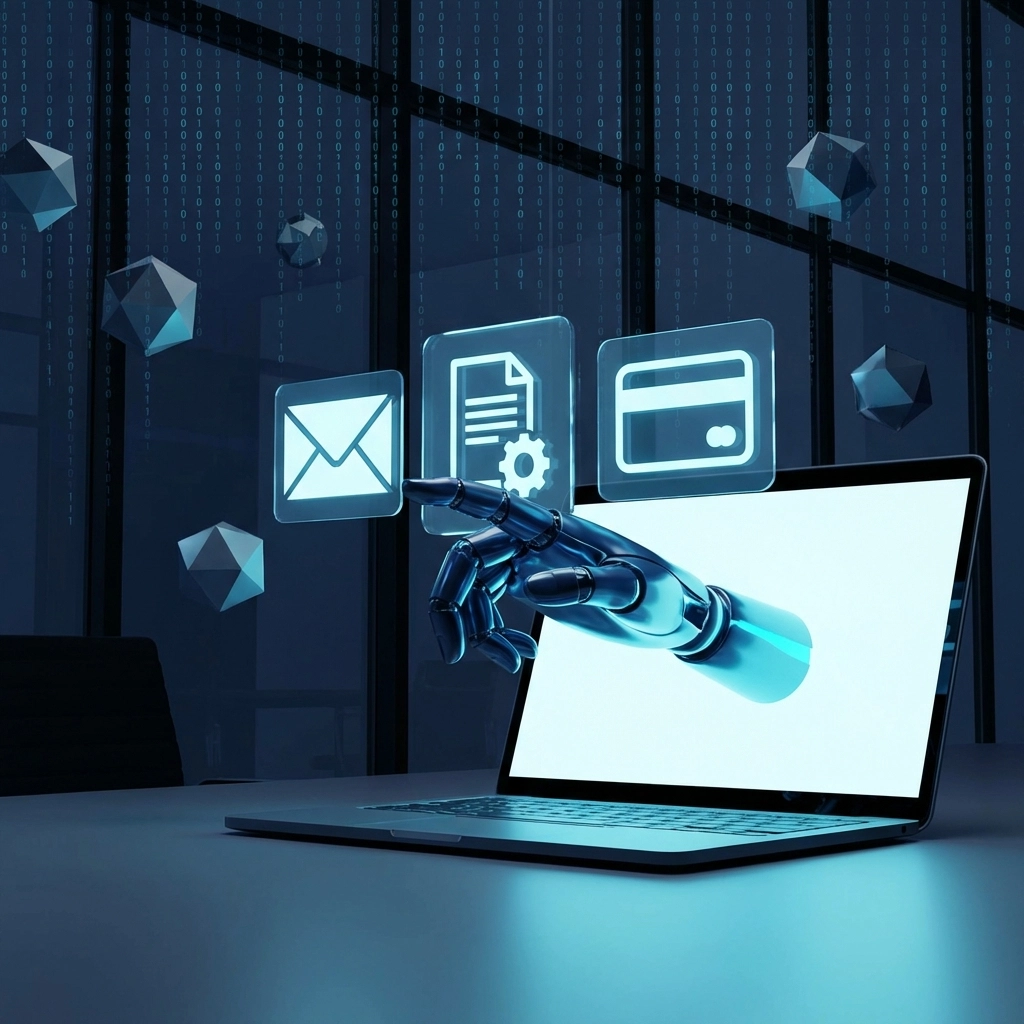
The New Threat Landscape
AI now handles entire attack sequences automatically. Think of it like the difference between a burglar testing one door versus a robot that can test every door in your neighborhood simultaneously. Here's what that looks like in practice:
Why Small Businesses Are Now Primary Targets
A single attacker using AI tools can now target 10,000 small businesses simultaneously. That's not an exaggeration: it's the new reality. And the consequences are severe: the average breach costs SMBs around $254,000, and roughly 60% of attacked businesses close within six months.
For small business owners in Hampton Roads: whether you're in Virginia Beach, Chesapeake, Norfolk, or anywhere in between: this isn't a distant corporate problem. It's happening to businesses just like yours.
How Managed IT Services Actually Protect You
When we talk about managed IT services or working with an MSP (Managed Service Provider), we're talking about having a team that handles your technology proactively rather than just fixing things when they break. Here's what that looks like against AI-powered threats:
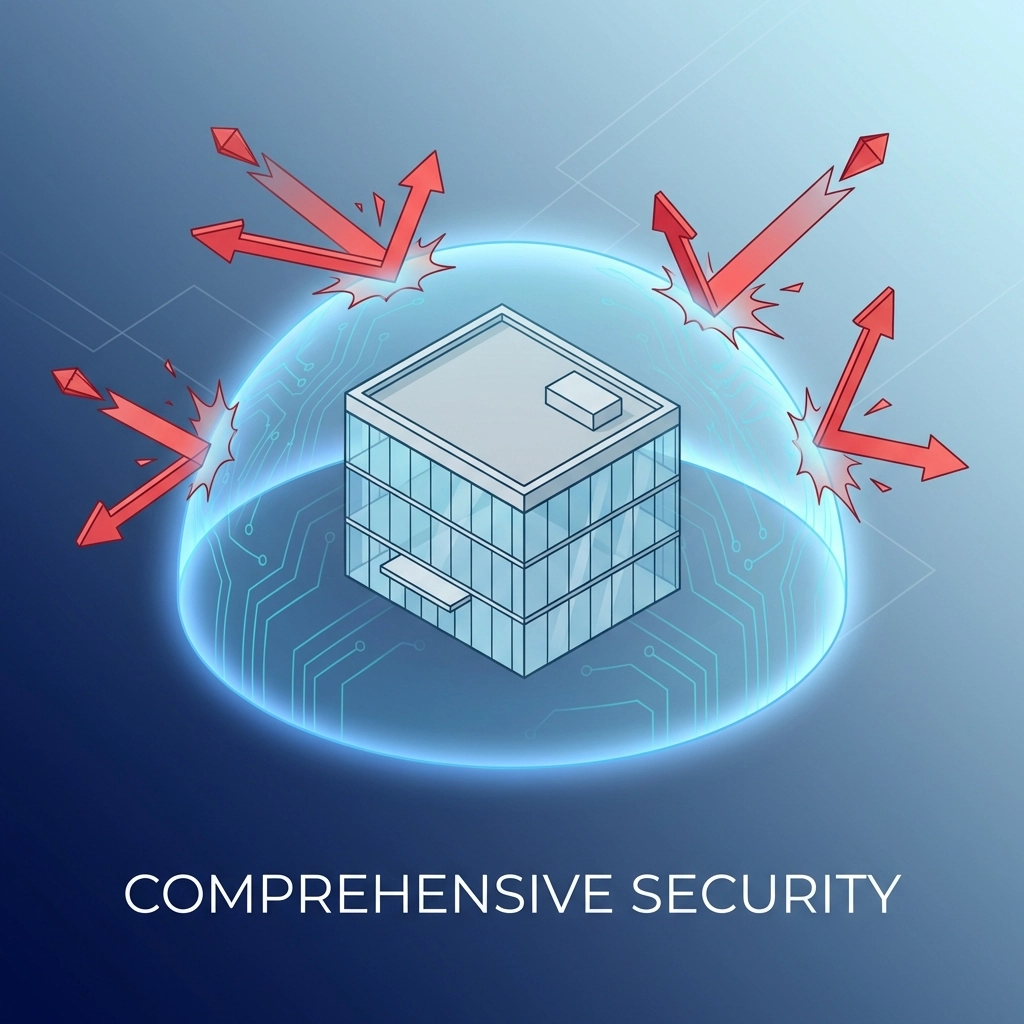
Real-Time Monitoring and Response
AI attacks don't take weekends off. They run continuously as background processes, probing for weaknesses around the clock. Traditional IT support: where you call someone when something breaks: simply can't keep up.
Managed IT support provides 24/7 monitoring that watches for suspicious activity in real-time. Modern AI-powered detection can identify a ransomware attack within seconds and automatically isolate the affected system before damage spreads. One documented case showed an initial compromise identified in 38 seconds with the threat contained in under 3 minutes total. Compare that to 30-60 minutes (or longer) with manual investigation.
The Layers of Protection That Actually Work
VaBeachTech recommends a multi-layered approach because no single tool stops every threat. Here's what comprehensive managed IT services typically include:
Protection Layer | What It Does | Why It Matters Against AI Attacks |
EDR/MDR (Endpoint Detection & Response) | Monitors devices for suspicious behavior | Catches malware that rewrites itself to avoid detection |
Email Security | Filters phishing attempts and scans attachments | Blocks AI-generated phishing that bypasses basic spam filters |
MFA + Conditional Access | Requires multiple verification steps | Stops attackers even if they steal a password |
Patching & Updates | Keeps all software current | Closes vulnerabilities before AI scanners find them |
Backup & Disaster Recovery | Maintains offline copies of critical data | Ensures you can recover without paying ransomware |
Security Awareness Training | Teaches employees to spot threats | Your team becomes a human firewall against social engineering |
The Human Element: Training Your Team
Here's something that often gets overlooked: most breaches still start with a human mistake. Someone clicks a link, downloads an attachment, or shares credentials without realizing the danger.
With AI making phishing emails more convincing than ever, regular security awareness training isn't optional anymore: it's essential. A good outsourced IT partner will provide ongoing training that keeps up with current attack methods, not just a one-time video everyone ignores.
Your AI Defense Checklist for 2026
Not sure where your business stands? Here's a quick checklist to assess your current protection:
Email & Identity Protection
Multi-factor authentication (MFA) enabled on all accounts
Phishing-resistant MFA (like hardware keys) for admin accounts
Advanced email filtering beyond basic spam protection
Conditional access policies based on location and device
Endpoint & Network Security
EDR/MDR solution monitoring all devices
Automatic patching for operating systems and applications
Network segmentation to limit lateral movement
DNS filtering to block known malicious sites
Backup & Recovery
Automated daily backups
Offline or air-gapped backup copies
Regular backup testing (actually restoring files to verify they work)
Documented disaster recovery plan
People & Process
Regular security awareness training (quarterly minimum)
Clear procedures for verifying wire transfer requests
Incident response plan that everyone knows
Vendor risk assessment for third-party tools
If you're checking off fewer than half of these boxes, your business has significant exposure to AI-powered attacks.
A 30-Day Starter Plan for Better Protection
Feeling overwhelmed? That's completely normal. Here's a practical 30-day plan to start improving your defenses:
Week 1: Foundation
Enable MFA on all critical accounts (email, banking, cloud apps)
Document all software and systems currently in use
Schedule a security assessment with a local IT company
Week 2: Email & Endpoints
Implement advanced email filtering
Ensure all devices have current antivirus/EDR protection
Review who has admin access (and revoke unnecessary privileges)
Week 3: Backup & Training
Verify backup systems are working and test a restore
Set up offline backup copies for critical data
Schedule security awareness training for all employees
Week 4: Planning & Partnership
Create or review your incident response plan
Establish verification procedures for financial requests
Evaluate whether managed IT support makes sense for your business
The Cost Reality: Prevention vs. Recovery
Let's talk numbers honestly. Many small businesses hesitate on IT security spending because the monthly cost feels significant. But consider this: one prevented breach typically pays for 2-7 years of managed IT services.
For businesses where roughly half have no dedicated cybersecurity budget at all, managed IT services provide a way to access enterprise-level protection at a predictable monthly cost. You're essentially sharing resources with other businesses rather than building everything yourself.
How VaBeachTech Can Help
We work with small businesses throughout Hampton Roads: Virginia Beach, Chesapeake, Norfolk, Suffolk, Newport News, and surrounding areas: providing managed IT services designed specifically for teams of 10-50 people.
Whether you need fully managed IT support, co-managed services to supplement your existing team, or project-based consulting, we can help you build defenses that actually work against today's AI-powered threats.
Ready to find out where your business stands?Book a 15-minute call to discuss your current setup and get honest recommendations: no pressure, no jargon, just practical small business IT help from a local team that understands your challenges.
Comments