70% of Cyber Incidents Start with Employee Mistakes: How to Build a Security-First Culture (MSP Guide)
- Jonathan Sansone
- Dec 31, 2025
- 6 min read
Building a security-first culture in your small business can feel overwhelming, especially when you're already juggling daily operations, customer needs, and growth challenges. If you're a business owner in Hampton Roads managing a team of 10-50 employees, you've likely heard the sobering statistics about cybersecurity breaches: and you might be wondering how to protect your business without turning your workplace into a fortress.
The reality is that most cyber incidents don't happen because of sophisticated hackers breaking through firewalls. They happen because someone clicked the wrong link, used a weak password, or accidentally shared sensitive information with the wrong person. Understanding this human element is the first step toward building better defenses.
The Human Factor in Cybersecurity
Recent research consistently shows that human factors are involved in 68-90% of all data breaches. This isn't about pointing fingers or creating a culture of fear: it's about acknowledging that your employees are both your greatest asset and your most vulnerable point of entry for cybercriminals.
Common employee mistakes that lead to security incidents include:
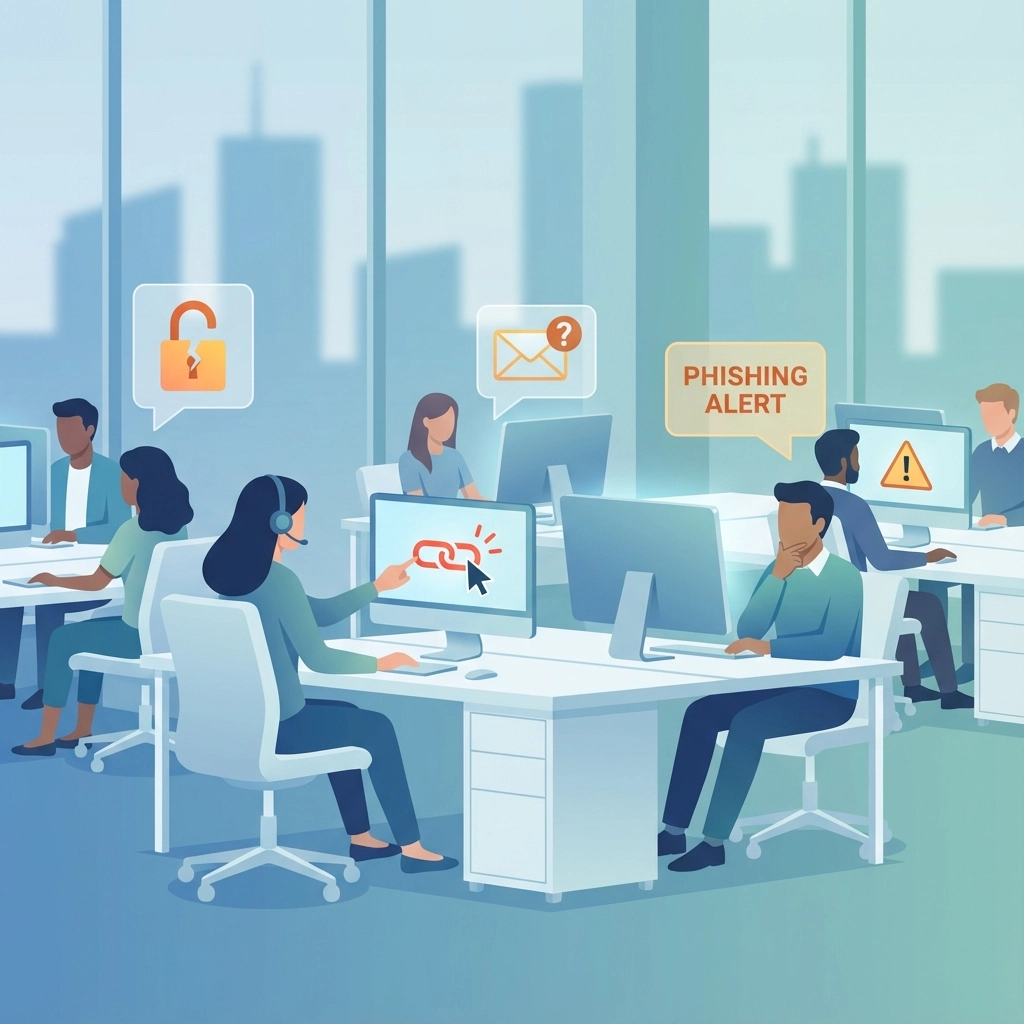
Clicking on phishing links in emails that look legitimate
Using the same password across multiple accounts
Accidentally sending confidential information to the wrong recipient
Downloading software or apps without IT approval
Leaving devices unlocked or unattended
Sharing login credentials with coworkers
Misconfiguring sharing settings on cloud documents
For small businesses, these mistakes can be particularly costly. Unlike large corporations with dedicated IT security teams, small businesses often lack the resources to quickly detect and respond to breaches.
Why Smart People Make Security Mistakes
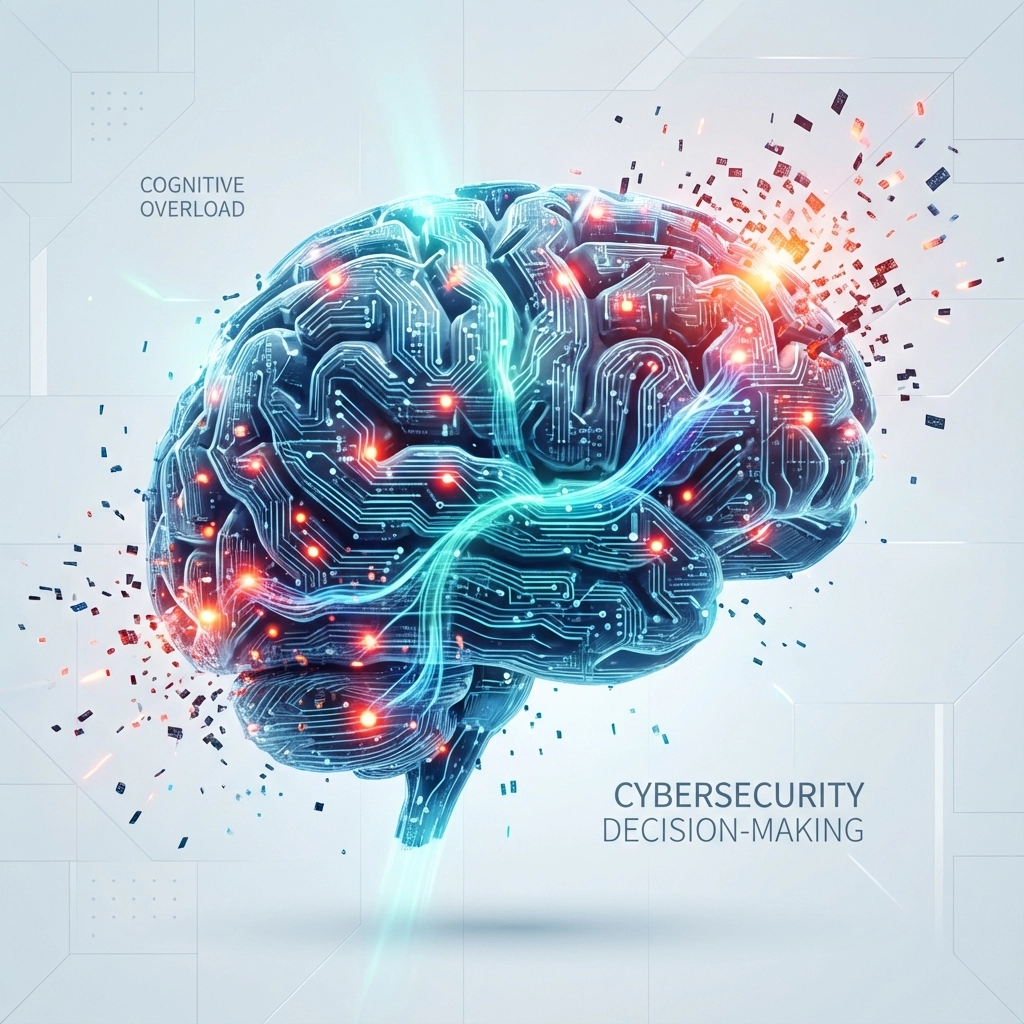
Before diving into solutions, it's important to understand why good employees make bad security decisions. It's rarely about carelessness or lack of intelligence. Most security mistakes happen because:
Cognitive Overload: When employees are overwhelmed with tasks, tight deadlines, and constant distractions, their ability to spot potential threats decreases significantly. A busy real estate agent juggling multiple property closings might not notice subtle signs that an email requesting financial information isn't actually from their client.
Lack of Context: Employees often don't understand the broader implications of their actions. Someone might think sharing a password with a trusted colleague is harmless, not realizing it creates a security vulnerability that could affect the entire organization.
Competing Priorities: Security measures can sometimes feel like obstacles to getting work done quickly. When there's pressure to complete tasks fast, employees may skip security steps that seem unnecessary in the moment.
Poor User Experience: If security tools are difficult to use or constantly create friction, employees will naturally look for workarounds that might compromise security.
Building Simple Policies That Actually Work
Effective security policies for small businesses need to be clear, practical, and easy to follow. Complex, lengthy policy documents often end up ignored or forgotten. Instead, focus on creating simple guidelines that address your most critical risks.
Start with Password Basics
Rather than requiring employees to memorize complex password rules, implement a password manager for your organization. This single change can dramatically improve security while actually making life easier for your team. Password managers generate strong, unique passwords for every account and remember them automatically.
Simple password policy example:
Use the company password manager for all work accounts
Never share passwords with anyone (including coworkers)
Use multi-factor authentication (MFA) when available
Report any suspicious login attempts immediately
Email and Communication Guidelines
Email remains one of the most common attack vectors for small businesses. Create straightforward guidelines that help employees identify and handle suspicious communications:
Be cautious of urgent requests for money transfers or sensitive information
Verify unusual requests through a separate communication channel (phone call, in-person conversation)
Never click links or download attachments from unknown senders
When in doubt, forward suspicious emails to your IT support for verification
Protecting Personal Information (PII)
Small businesses often handle significant amounts of personal information: customer Social Security numbers, financial data, health information, and employee records. Creating clear procedures for handling this sensitive data protects both your business and your clients.
Data Handling Best Practices
Collection: Only collect the personal information you actually need for business purposes. The less sensitive data you store, the lower your risk.
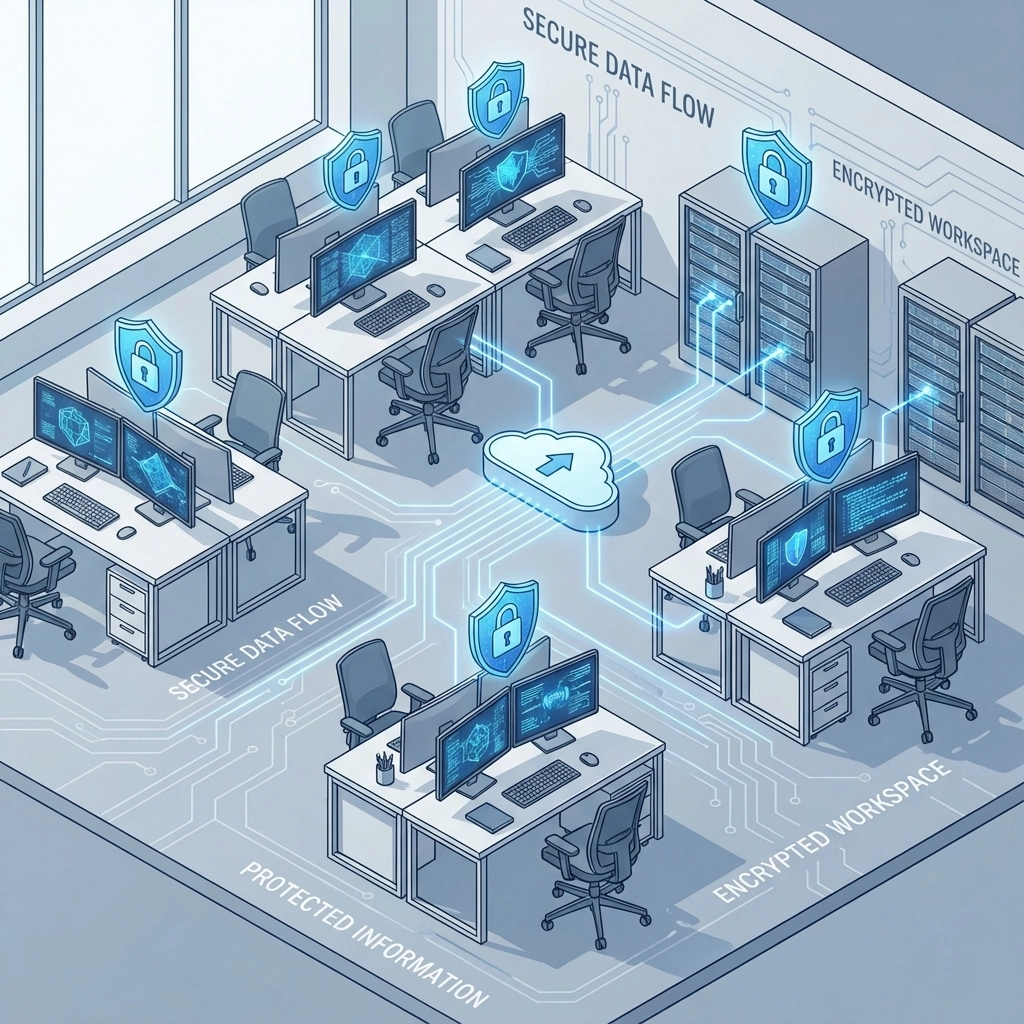
Storage: Keep personal information in secure, encrypted locations with restricted access. Avoid storing sensitive data in regular email accounts or unprotected shared folders.
Sharing: Establish clear procedures for when and how personal information can be shared. For example, customer financial information should only be accessible to employees who need it for their specific job functions.
Disposal: Create procedures for securely disposing of personal information when it's no longer needed. This includes both digital files and printed documents.
Access Control: Regularly review who has access to what information and remove access when employees change roles or leave the company.
Managing Shadow AI Risks
The rapid adoption of artificial intelligence tools like ChatGPT, Google Bard, and other AI services has created new security challenges for small businesses. "Shadow AI" refers to employees using AI tools without official approval or oversight, potentially exposing sensitive business information.
Common Shadow AI Risks
When employees input company data into public AI tools, that information may be stored, analyzed, or even used to train the AI model. This could include:
Customer lists and contact information
Financial data or projections
Proprietary business processes
Confidential strategic plans
Employee personal information
Creating Safe AI Usage Guidelines
Rather than banning AI tools entirely (which is often unrealistic), establish clear guidelines for safe usage:
Identify approved AI tools that meet your security standards
Train employees on what types of information should never be shared with AI tools
Consider investing in business-grade AI services that offer better data protection
Create approval processes for new AI tools employees want to use
Reducing Identity and Email Risks
Identity theft and email compromise represent two of the most significant threats to small businesses. These attacks often start with seemingly innocent interactions that gradually build trust before striking.
Email Security Fundamentals
Multi-Factor Authentication (MFA): This single security measure can prevent most email account takeovers. Even if someone steals a password, they still need the second authentication factor (usually a phone or app) to access the account.
Email Filtering: Implement email security solutions that automatically filter out obvious phishing attempts and malicious attachments before they reach employee inboxes.
Regular Monitoring: Check for unusual email activity, such as emails being forwarded to external addresses or unexpected login locations.
Identity Protection Strategies
Limit Information Sharing: Be cautious about how much employee and business information you share publicly on websites, social media, and business directories. Cybercriminals often use this information to make their attacks more convincing.
Verification Procedures: Establish clear procedures for verifying identity during phone calls or email communications, especially for financial transactions or sensitive information requests.
Creating Effective Training Habits
Security training shouldn't be a once-a-year lecture that employees endure and forget. Instead, build security awareness into your regular business rhythms through ongoing, practical education.
Make Training Relevant and Timely
Role-Based Training: Customize training based on what employees actually do. Your accounting team needs different security knowledge than your sales team.
Real-World Examples: Use examples of actual scams and attacks that are relevant to your industry. Real estate professionals should know about wire fraud scams, while nonprofits should understand donation-related fraud attempts.
Bite-Sized Learning: Instead of lengthy training sessions, provide short, focused lessons that employees can complete during breaks or slow periods.
Regular Practice and Testing
Simulated Phishing: Conduct periodic (and gentle) phishing simulations to help employees practice identifying suspicious emails in a safe environment.
Incident Response Practice: Occasionally walk through "what would you do if..." scenarios to help employees understand proper procedures.
Encourage Questions: Create an environment where employees feel comfortable asking questions about security concerns without fear of judgment.
Building Security Into Your Company Culture
True security culture goes beyond policies and training: it becomes part of how your organization naturally operates.
Leadership Modeling
Security culture starts at the top. When business leaders consistently follow security procedures and openly discuss security concerns, employees are more likely to take these issues seriously.
Positive Reinforcement
Rather than only highlighting mistakes, regularly acknowledge when employees make good security decisions. This could be as simple as thanking someone for reporting a suspicious email or recognizing a team that successfully implements a new security procedure.
Open Communication
Encourage employees to report security concerns without fear of blame or punishment. When someone makes a mistake, focus on learning and improvement rather than criticism.
Regular Assessment
Periodically review and update your security procedures based on new threats, business changes, and employee feedback. What worked for a 15-person company might need adjustment as you grow to 35 employees.
Making Security Manageable for Small Business
Building a security-first culture doesn't require a massive budget or dedicated IT staff. It requires consistent attention, clear communication, and a commitment to making security practices as simple and practical as possible.
Start with one or two key areas (like password management and email security), get those working well, then gradually expand your security culture. Remember that perfect security doesn't exist: your goal is to build reasonable protections that reduce risk while allowing your business to operate effectively.
The most secure small businesses aren't necessarily those with the most sophisticated technology: they're the ones where every employee understands their role in maintaining security and feels empowered to make good decisions.
Need help building a security-first culture in your Hampton Roads business? VaBeachTech works with small businesses throughout Virginia Beach, Chesapeake, Norfolk, and the surrounding area to develop practical, manageable security strategies that fit your budget and business needs. From employee training to comprehensive security assessments, we help you protect what matters most without overwhelming your team.
Book a Discovery Call to discuss how we can help strengthen your business security while keeping operations running smoothly.
Comments